Selecting the right usability testing service can improve both the speed and quality of your insights. In 2026, the tooling has matured significantly - teams are moving beyond basic feedback collection toward platforms that combine real-user panels, AI-powered analysis, and fast iteration cycles. AI can now auto-tag friction moments, generate highlight reels, and surface patterns across hundreds of sessions without manual review. Results feed directly into Slack or Jira instead of sitting in a research doc nobody reads.
The challenge now isn't access - it's knowing which service fits your team's stage, budget, and research goals. Below we will share 10 best usability testing services for websites and apps in 2026 — what each one excels at, where it falls short, and who it’s actually built for.
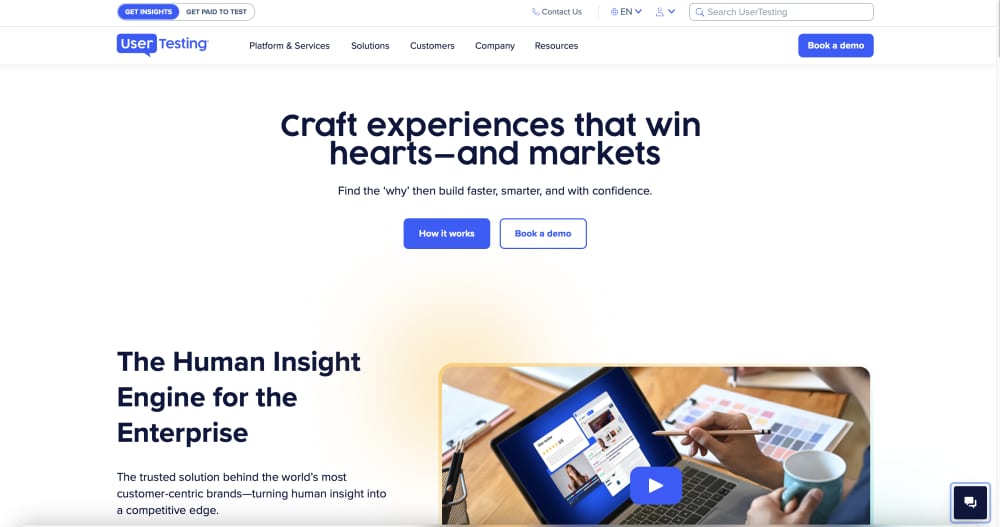
UserTesting remains one of the most comprehensive usability testing platforms on the market. The platform gives access to a massive global participant panel, which includes millions of testers across devices, demographics, and experience levels. It supports both unmoderated tests and moderated live sessions, including mobile app testing.
UserTesting also includes AI-assisted analysis and auto-generated highlight reels. Sessions and reports can feed directly into Slack, Jira, or stakeholder-ready dashboards, so insights become immediately actionable. What makes UserTesting powerful is its ability to capture behavior and human reactions. It not only shows what users do on your site or app - clicks, scrolls, navigation paths - but also how they feel while doing it - with the front camera and microphone, you can observe facial expressions, tone of voice, hesitation, and subtle reactions.
Overall, the platform offers a wide range of testing methods, flexible screeners for panel participants, and numerous integrations. It’s built for scale, but costs as an enterprise tool accordingly.
Supported platforms: Web, iOS, Android
Key strengths:
- Large and diverse testers panel
- Deep qualitative insights (behavior + facial expression + voice)
- Quick insights and actionable reporting
- Compliance-ready for GDPR and HIPAA
- Integrates with Jira, Slack, and other tools
Drawbacks:
- Premium pricing, often tens of thousands annually
- Can feel complex for smaller teams or simple studies
Pricing: Custom enterprise pricing - most mid-to-large teams pay between $25,000 and $50,000+ per year, with the median contract value around $40,000 annually. Smaller usage may start lower, while high-volume enterprise deals can exceed $100k.
Best for: Funded teams, enterprise products, and high-stakes flows where understanding both behavior and emotion matters.
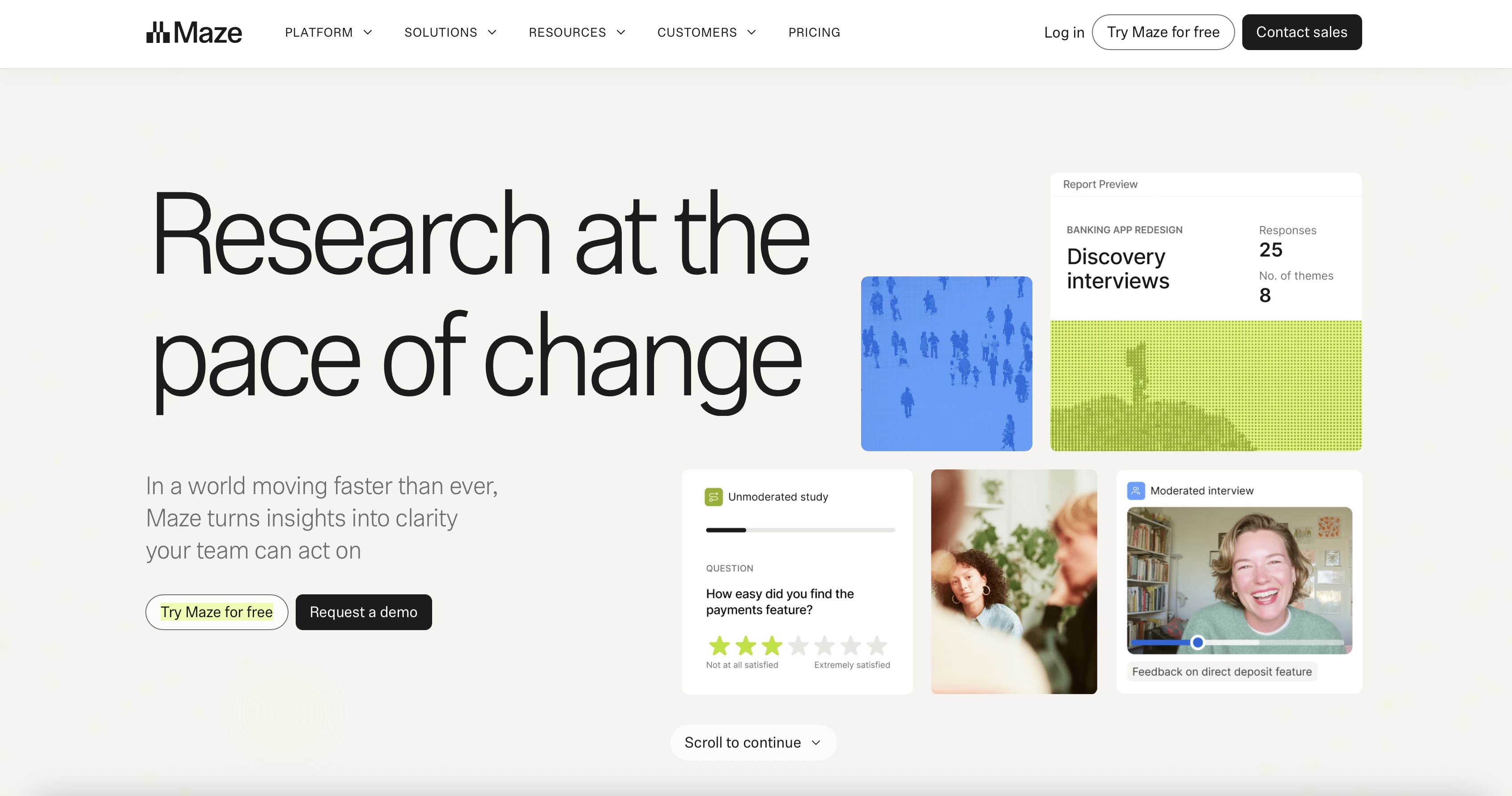
Maze is built for product and design teams and focuses on quick, unmoderated testing. Using the tool, teams can easily validate prototypes, flows, and ideas generated from design platforms and have the result in hours instead of weeks. They upload a design from tools like Figma or Adobe XD, create test missions, share a link with users, and watch insights roll in. The platform also supports AI-generated prototypes built with Figma Make, Lovable, Bolt and Replit.
The platform offers a variety of templates to simplify test creation. It supports such testing methods like surveys, card sorting, and prototype-based testing. It delivers both quantitative and qualitative insights through heatmaps, click paths, preference tests, and user feedback. It is also possible to share the insights with visualizations and reports.
While originally known for unmoderated, remote usability testing, Maze now allows for moderated studies, including AI-moderated studies and traditional interview studies, but these are available on their Enterprise plan.
What sets Maze apart is its speed and scalability. Teams can reach hundreds of participants quickly, run multiple tests in parallel, and generate instant reports with visualizations that are easy to digest. For teams practicing continuous discovery, it becomes a natural part of the workflow - lightweight, fast, and practical for making quick decisions.
Supported platforms: Web, mobile apps (iOS & Android via Maze Participate app)
Key strengths:
- Fast, unmoderated testing
- Integrates seamlessly with Figma, Adobe XD, InVision, Sketch
- Large user panel and easy sharing of test links
- Instant, actionable reporting
- Generous free tier
Drawbacks:
- Limited support for deep, moderated interviews
- Less suited for complex enterprise workflows
Pricing: Free tier available. Starter plan at $99/month (billed annually); Organization and Enterprise plans are custom.
Best for: Product-led teams, designers, and researchers who want quick validation and continuous learning without slowing down the design process.
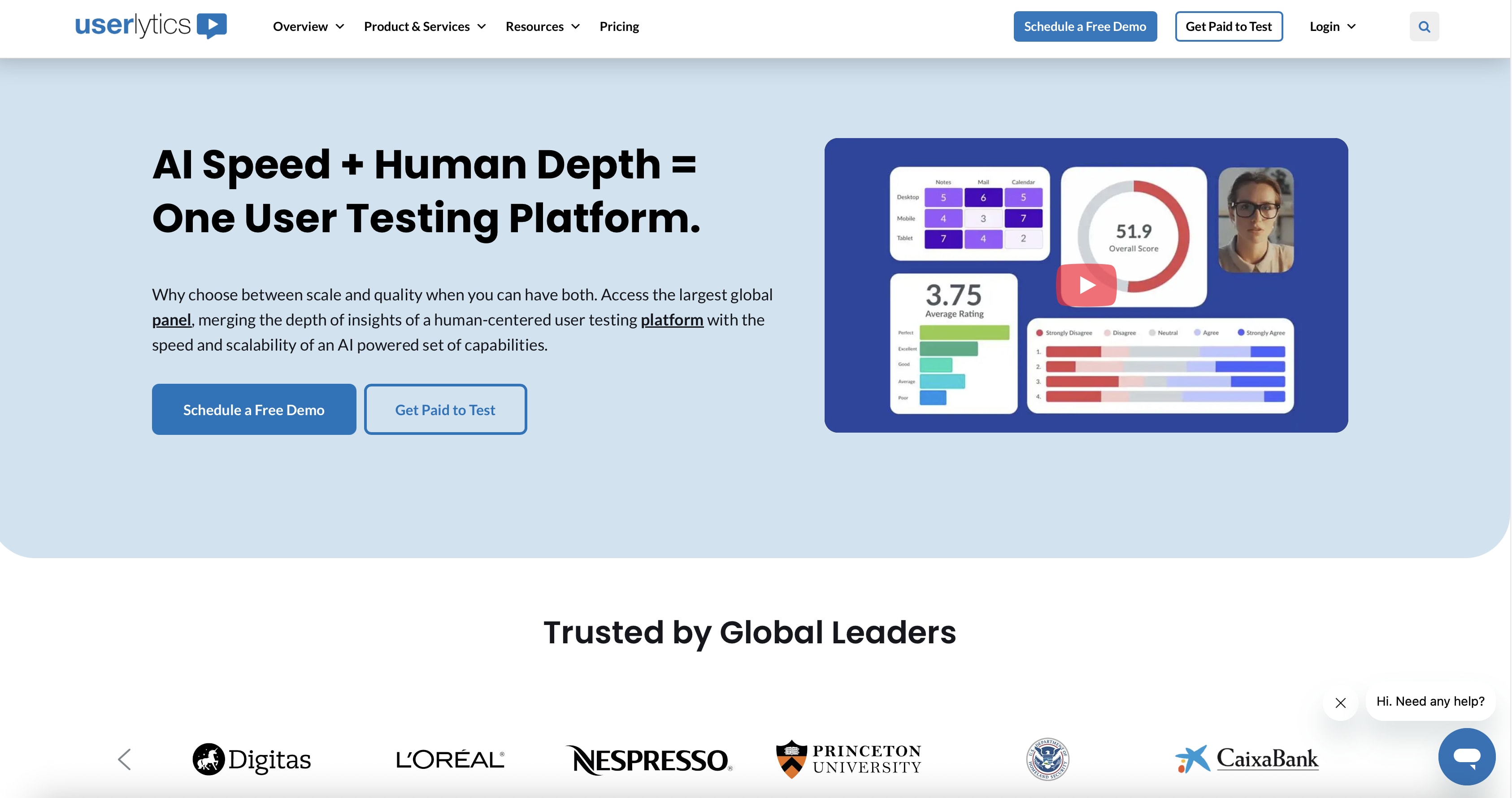
Userlytics is a comprehensive usability testing platform that supports both moderated and unmoderated testing. The platform provides access to a panel of over 2 million participants from over 150 countries and allows teams to engage their own users. It covers all aspects of testing, from quick prototype validation to large-scale research projects. Tests can be run across websites, mobile apps, and prototypes, with full session capture.
Userlytics enhances session recordings with picture-in-picture face cam video, allowing teams to see not only what users do, but also their facial expressions and emotional reactions at key moments. It also adds additional layers of depth through AI-driven sentiment analysis, transcripts, highlight reels, and shareable clips, helping teams turn raw sessions into insights faster.
The platform is designed to scale. Teams can run studies globally, test in multiple languages, and support complex research setups without switching tools. What sets Userlytics apart is its all-in-one approach. Instead of using multiple tools, teams can run different research methods in one place, including card sorting, tree testing, surveys, and first-click testing.
Supported platforms: Web, iOS, Android
Key strengths:
- Moderated and unmoderated testing
- Large global participant panel (2M+)
- Strong video recording, transcripts, and highlight reels
- Enterprise-grade user testing software with SSO, GDPR compliance
- AI-assisted analysis for faster insights
Drawbacks:
- Can feel feature-heavy for simple use cases
- Pricing varies widely depending on scale and can get expensive
Pricing: Pricing ranges from pay-per-test starting ~$34 to subscription plans (~$699/month), but can go much higher for scale.
Best for: Teams that want a single platform for end-to-end UX research - from quick tests to advanced, multi-method studies.
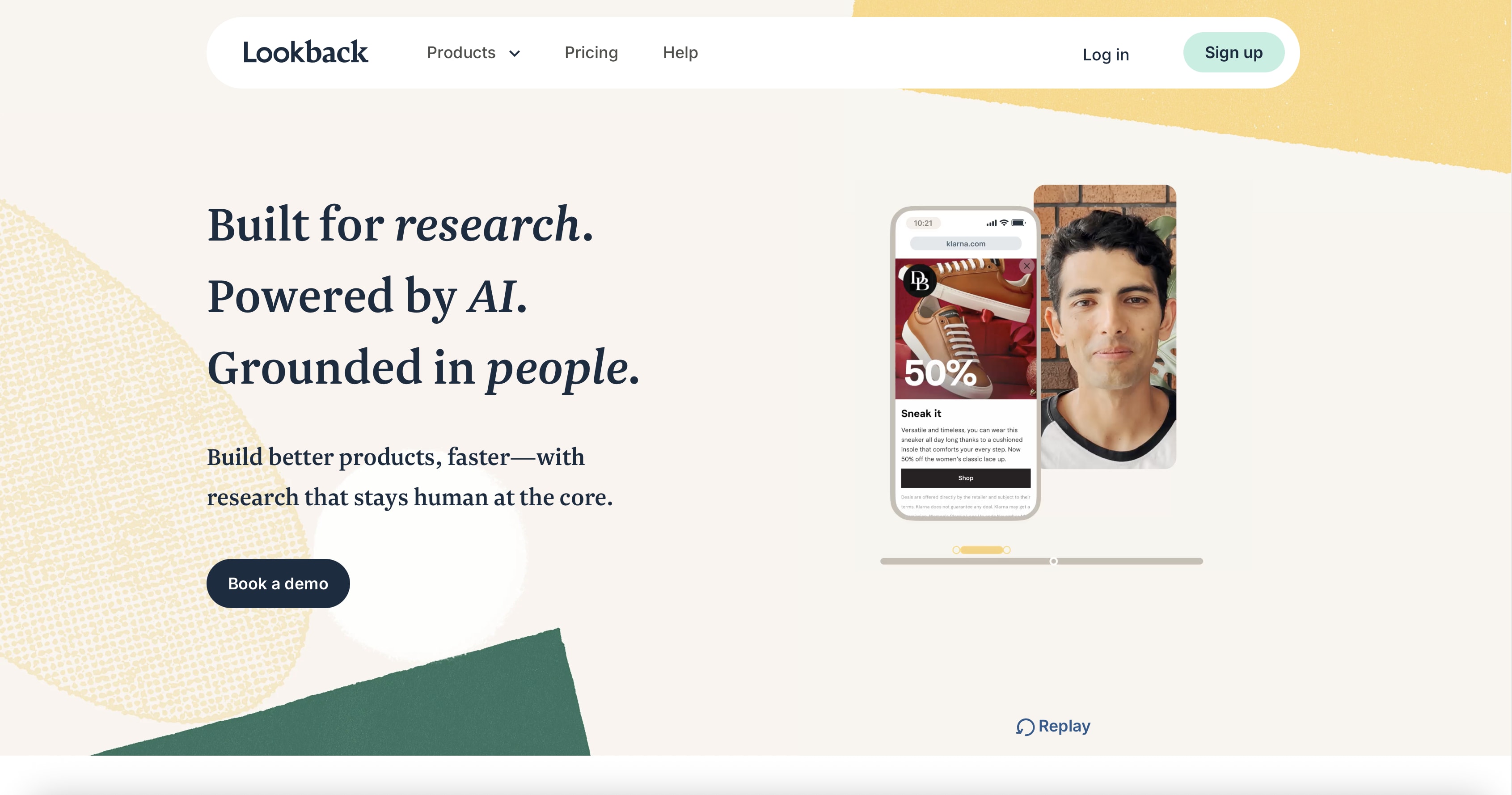
Unlike platforms focused only on unmoderated testing, Lookback shines when you need moderated sessions. It is basically a live interview and session recording platform. Teams bring the participants and observe in real time as they navigate a website or app. The platform provides necessary infrastructure - co-browsing, note-taking, observer rooms, and clip creation.
With Lookback, teams can run tests on web and mobile devices, record the user’s screen, face, and voice, and conduct live interviews. Similar to UserTesting, the built-in face cam recording lets teams see not only what users do, but also their facial expressions, emotional reactions, and subtle cues. It gives them a full picture of how users think, react, and behave, making it easier to uncover friction points, confusion, and moments of delight.
The tool has an intuitive interface and insights are easy to share with stakeholders thanks to built-in recording and collaboration features - no need for extra tools or manual processing.
It's particularly popular for teams doing moderated research with existing customers. It also works well for teams launching new features regularly, as it helps with continuous testing. It makes research easy enough to stop postponing it.
Supported platforms: Web, iOS, and Android
Key strengths:
- Effective moderated testing
- Records screen, face, and voice for deeper context
- Built-in collaboration for teams and stakeholders
- Works well for continuous testing workflows
Drawbacks:
- Less scalable for very large panels
- No internal, proprietary pool of testers
- Requires scheduling for live moderated sessions
Pricing: Mid-range pricing starting from $299/year but note that additional sessions add costs quickly.
Best for: Product teams, UX researchers, and designers running live sessions with real-time notes and highlights.
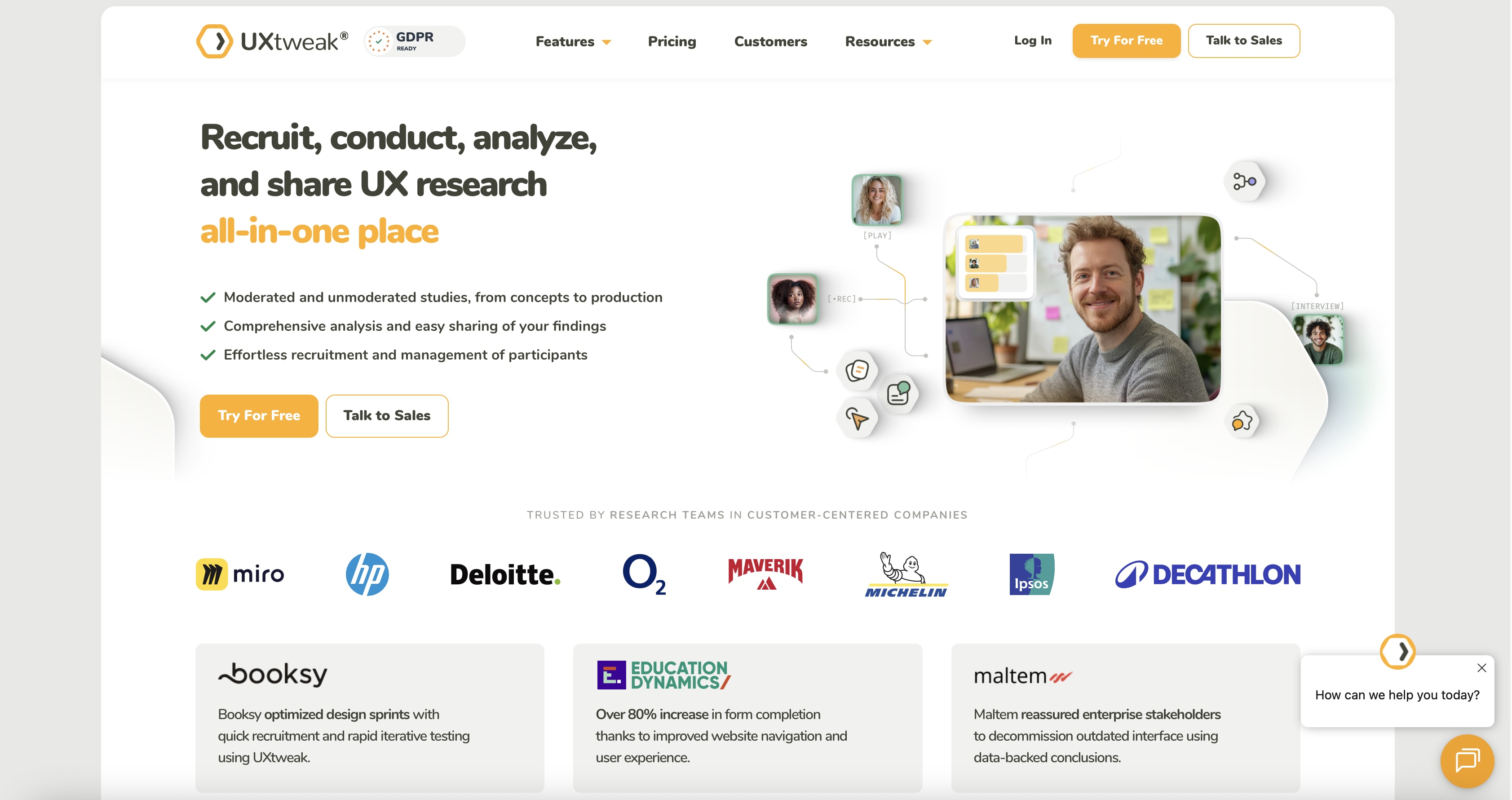
UXtweak has emerged as a strong challenger in the UX research space. It is especially useful for teams that want a tool with a broad all-in-one functionality without enterprise pricing. The platform provides a complete toolkit for testing, validating, and iterating across all stages of product development. It supports both moderated and unmoderated research, covering everything from early information architecture testing to usability validation and session analysis.
UXtweak offers session recordings, heatmaps, click tracking, and surveys, giving teams both quantitative and qualitative insights. Tests can be run on websites, mobile prototypes, and apps, with options to use UXtweak’s participant panel or bring a team’s own users.
The platform really shines for structure and navigation testing. Card sorting and tree testing help optimize menus, content hierarchy, and overall site structure. These are areas that are often overlooked but critical for usability.
Supported platforms: Web, mobile (via browser/prototype testing)
Key strengths:
- Wide range of research methods in one platform
- Strong card sorting and tree testing capabilities
- More affordable than many enterprise tools
Drawbacks:
- Less polished interface compared to premium tools
- Depth of insights may be lower than from platforms focused on specific research methods
Pricing: Free tier available; paid plans start at $92/month.
Best for: Mid-sized teams that need card sorting, tree testing, usability tests, and access to a tester panel all in one platform.
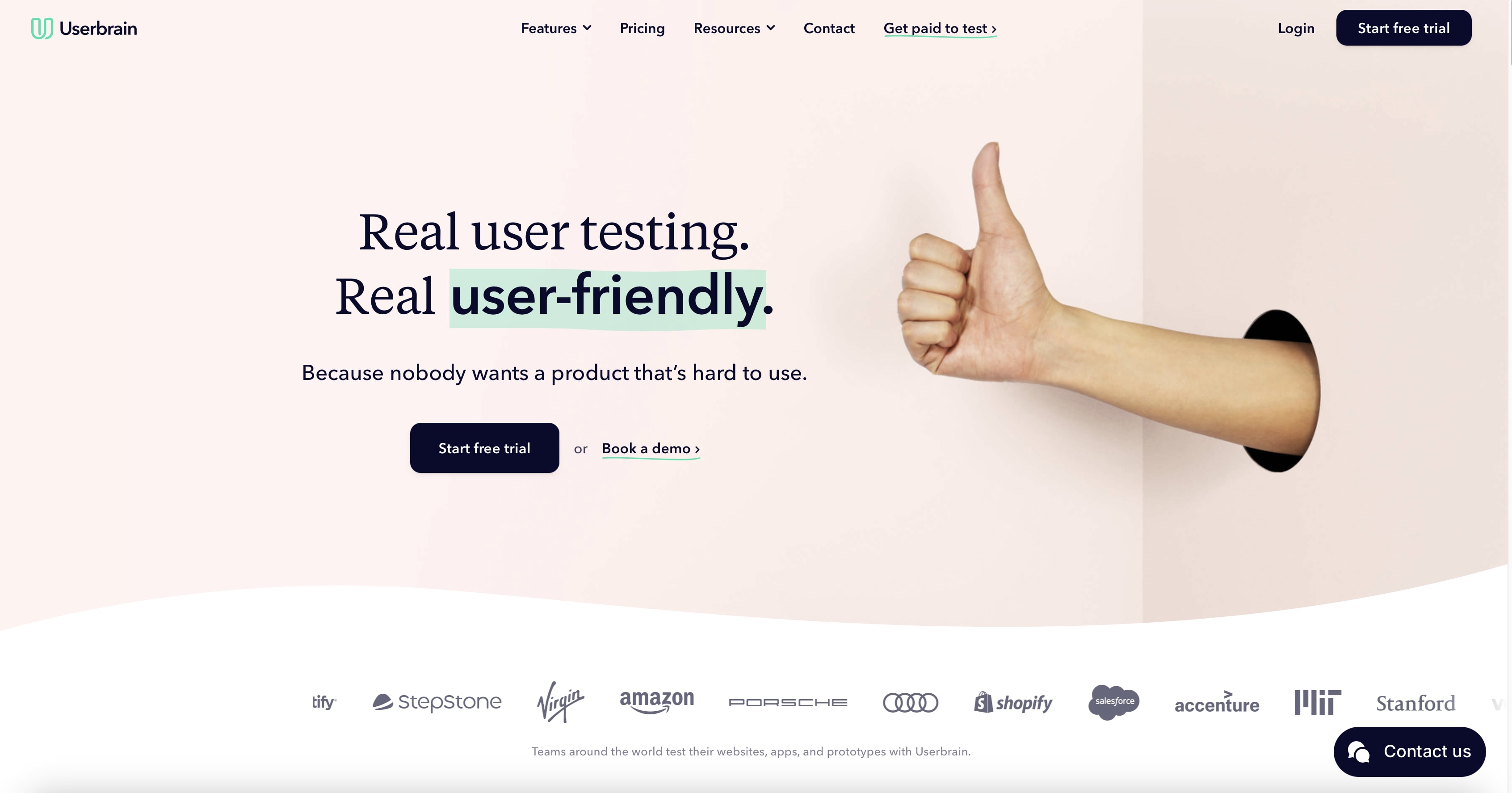
Userbrain is a simple, fast, and affordable usability testing platform focused on unmoderated tests. Teams can upload a website or prototype, set tasks, and receive real user videos showing how people interact with their product. These videos and recordings can be easily downloaded, shared, and exported in various formats. The platform handles participant recruitment (it has over 170,000+ quality-controlled, diverse testers) and provides clear insights into user behavior, hesitation, and friction points. It also allows teams to bring team’s own testers. The tool is very suitable for teams that want fast feedback without overcomplicating the process. And sometimes, that’s all they need - real people trying your product and giving honest reactions.
What is interesting about Userbrain is the subscription model. You pay on a monthly basis and receive a continuous flow of testers who test your site or application. It is like a feedback loop of the UX, useful to founders who are designing, improving, and iterating rapidly. Userbrain does not clutter you with advanced features. It is concerned with clarity, speed, and actual human response, which is why most start-ups rely on it when they are in a hurry.
Supported platforms: Web, mobile (via browser/prototype testing)
Key strengths:
- Quick setup and fast results
- Real user video feedback highlights friction points
- Affordable and repeatable for frequent testing
Drawbacks:
- Limited advanced features (no AI-assisted analysis)
- Small participant targeting options
Pricing: Free tier with 5 testers/month is available. Paid plans starts at ~$49/month
Best for: Small to mid-sized product teams, startups, and designers that want quick validation without the overhead of enterprise platforms.
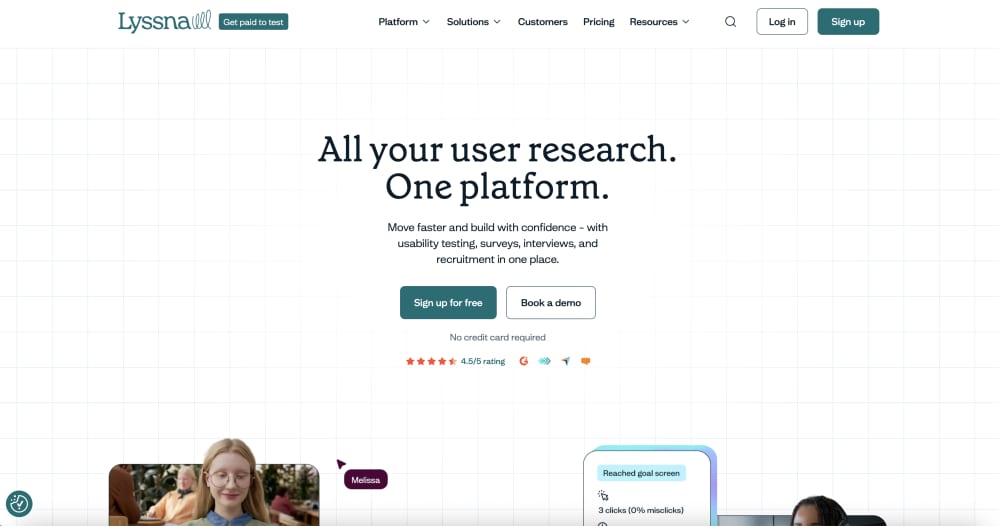
Lyssna (formerly UsabilityHub) is a fast, lightweight usability testing platform that focuses on quick design validation. It was created for teams looking for rapid feedback on ideas, layouts, and user flows, but who didn't require running full usability studies. On this platform, teams can test screenshots, prototypes, and concepts using methods like first-click tests, preference tests, five-second tests, and surveys.
This tool is designed primarily for speed and clarity. Teams upload a design, define a task, and receive structured feedback from real users in minutes or hours, not weeks. Instead of lengthy session recordings, Lyssna focuses on decision-making data - where users click first, what they notice, and which designs work best. It is especially useful in the early stages of design, when rapid iteration is more important than in-depth behavioral analysis.
Lyssna allows teams to bring in their own testers and also provides access to its own global panel of participants. Targeting is simple. It allows teams to test ideas with relevant users without complex setup, but it's not as advanced as in enterprise-grade platforms.
Supported platforms: Web and prototype testing, doesn’t support testing iOS or Android mobile apps for now
Key strengths:
- Very fast setup and results
- Strong first-click, preference, and five-second testing
- Clear, visual reports for quick decision-making
- Affordable and easy to use
Drawbacks:
- Limited depth compared to full usability testing platforms
Pricing: Free tier available; paid plans start at ~$83/month, offering unlimited self-recruited tests
Best for: Designers, product teams, and startups that need quick validation of designs and concepts before moving into deeper usability testing.
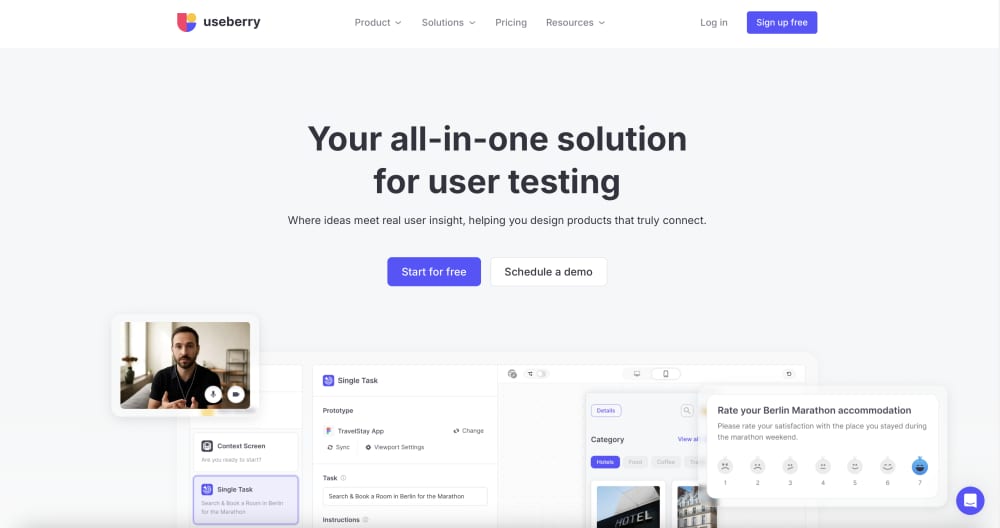
Useberry is a versatile unmoderated testing platform ideal for fast design validation and prototype testing. It supports a wide range of testing methods including first-click tests, five-second tests, preference tests, card sorting, tree testing, and surveys. Teams can import designs directly from Figma, Sketch, or ProtoPie and collect both quantitative metrics (heatmaps, click tracking) and qualitative insights (session recordings and feedback).
Useberry’s Video Shoots feature records the participant’s face, voice, and screen, allowing teams to see not only what users do but also their facial expressions and emotional reactions.
The platform supports both its own participant panel and self-recruited testers, giving teams flexibility depending on their needs and budget.
The tools will suit startups wanting Maze-like features at lower cost. Less polished in some areas, but solid for teams with tighter budgets. It strikes a balance between usability, functionality, and cost, making it accessible while still powerful enough for regular research workflow without the complexity of enterprise platforms.
Supported platforms: Web, mobile (via browser/prototype testing)
Key strengths:
- Wide range of testing methods in one platform
- Integrates with Figma, ProtoPie and Sketch
- Combines quantitative data with session recordings
Drawbacks:
- Interface and reporting less polished than top-tier tools
- Smaller panel, fewer enterprise integrations
Pricing: Free tier available; paid plans start at ~$67/month
Best for: Startups, product designers, and mid-sized teams seeking Maze-like functionality with strong design integrations at a more accessible price.

Hotjar is an easy-to-use conversion optimization tool. Unlike traditional usability testing tools, Hotjar combines heatmaps, session recordings, surveys, and feedback polls to give quantitative and qualitative insights into user behavior. Teams can view the precise locations of user clicks, scrolls, hesitations, and abandonment without a dedicated test panel.
The insights are not hard to grasp without research experience. And because of this simplicity, it is currently one of the most popular tools in the industry. Hotjar can display user behavior without having to install complex software, whether you run a SaaS platform, a mobile app or a landing page.
The tool is especially useful for those teams that want to continuously gain insights to improve conversion, retention, and overall user experience without having to conduct full-scale usability testing every time.
Supported platforms: Web
Key strengths:
- Visual analytics like heatmaps and session recordings
- Direct user feedback through surveys and polls
- Fast setup, lightweight, and easy to share with stakeholders
Drawbacks:
- Focused on observation and feedback, not full usability testing
- Limited support for complex user testing scenarios or prototypes
Pricing: Free tier available; paid plans start at ~$49/month (currently on sale for $39/month).
Best for: Marketing teams, product teams, and designers who want fast, actionable insights into user behavior and website performance without heavy setup or full testing sessions.

Optimal Workshop is the go-to for information architecture (IA) work - tree testing, card sorting, and first-click studies. Unlike general-purpose UX tools, the tool focuses on understanding how users interact with menus, content hierarchies, and workflows - the backbone of a good user experience. Teams can see how users categorize information, where they hesitate, and which paths lead to successful completion - insights that often prevent major usability mistakes before launch.
The platform is lightweight and fast. You can spin up a test, get results, and share them with your team without having to deal with additional tools. It’s ideal for validating structure early and building interfaces that feel intuitive. Also, Optimal Workshop gives you pre-screened participants out of the box, but teams can’t bring their own testers, and there’s no plug-and-play connection to Figma or Adobe prototypes. So this platform is not suitable if you need very specific users or deeper integrations.
It’s a sharp tool for a very specific job: making navigation and structure intuitive before you build the rest of your product. But the tool doesn’t replace full usability testing. If you need moderated sessions, deep prototype testing, or complex workflow studies, this isn’t the one-stop shop.
Supported platforms: Web
Key strengths:
- Best-in-class tree testing and card sorting; clean participant management
- Powerful analytics for IA research
- Quick setup and easy sharing of results
Drawbacks:
- Narrow scope - not a replacement for full usability testing
- no plug-and-play connection to Figma or Adobe prototypes
Pricing: Starter ~$199/month and enterprise custom plants are available.
Best for: Product teams, UX researchers, and designers looking to optimize menus, site hierarchy, and navigation before heavy development begins.
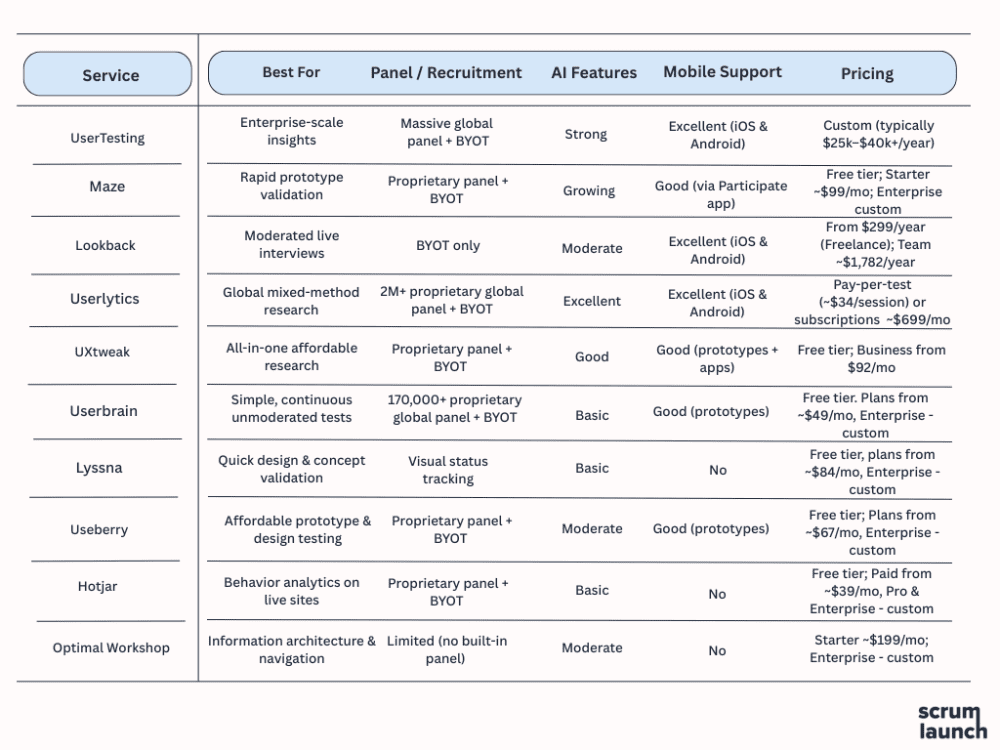
How to Choose the Right Usability Testing Tool: Grouped by Team & Needs
Not every tool fits every team. Here’s a quick way to narrow down your options based on your team size, budget, and goals:
For Enterprise & Large Organizations: UserTesting and Userlytics - Best when you need scale, compliance (GDPR/HIPAA), massive participant panels, and deep qualitative insights with face cam recording.
For Mid-Sized Teams: Lookback and UXtweak - Ideal if you want a good mix of moderated and unmoderated testing without enterprise-level pricing.
For Design & Product Teams Focused on Speed: Maze, Useberry, and Lyssna - Perfect for rapid prototype testing and quick design validation with strong Figma integrations.
For Small Teams & Startups: Userbrain and Hotjar - Simple, affordable, and low-friction tools for continuous feedback and behavior observation.
For Navigation & Information Architecture: Optimal Workshop - The specialist tool when your main goal is improving menus, findability, and site structure.
Pro Tip: Many successful teams use a combination. For example, Hotjar or Userbrain for ongoing monitoring + Maze or Useberry for prototype testing + UserTesting for deep dives when needed.
Conclusion
The best usability testing service in 2026 depends on your team size, product stage, and goals. From enterprise-grade platforms like UserTesting to fast and affordable solutions like Useberry and Lyssna, there’s a suitable choice for every team size and budget. No single tool is perfect for everyone, but one (or a smart combination) will almost certainly fit your workflow. But, except for chasing the best tools, it’s important to remember that the real value isn’t in running tests - it’s in acting on the results. Test a couple of platforms that match your needs, start small, iterate quickly, and keep putting real users at the center of your decisions. Your conversion rates, retention, and user satisfaction will thank you for it.